 Winter Arc Contract
Winter Arc Wallpaper: Make Your Own Lock Screen
The best Winter Arc wallpaper is not a moody mountain photo. It is your own rules and dates, on the screen you look at more than any other. Make one for free in about two minutes.
What makes a good Winter Arc wallpaper
You probably unlock your phone dozens of times a day. Each of those moments is a small reminder, and a lock screen that shows your actual plan turns them into check-ins. A good Winter Arc wallpaper has four things:
- Your dates. "Oct 1 – Dec 29" makes the finish line concrete. If you are not sure which dates to use, see when the Winter Arc starts.
- Your daily rules. Three to six short lines you can answer with a yes or no tonight.
- A short motto. One line you would say to yourself on a tired morning.
- A clear top area. The clock and notifications sit at the top of a lock screen, so the text has to start lower down.
Three styles to choose from
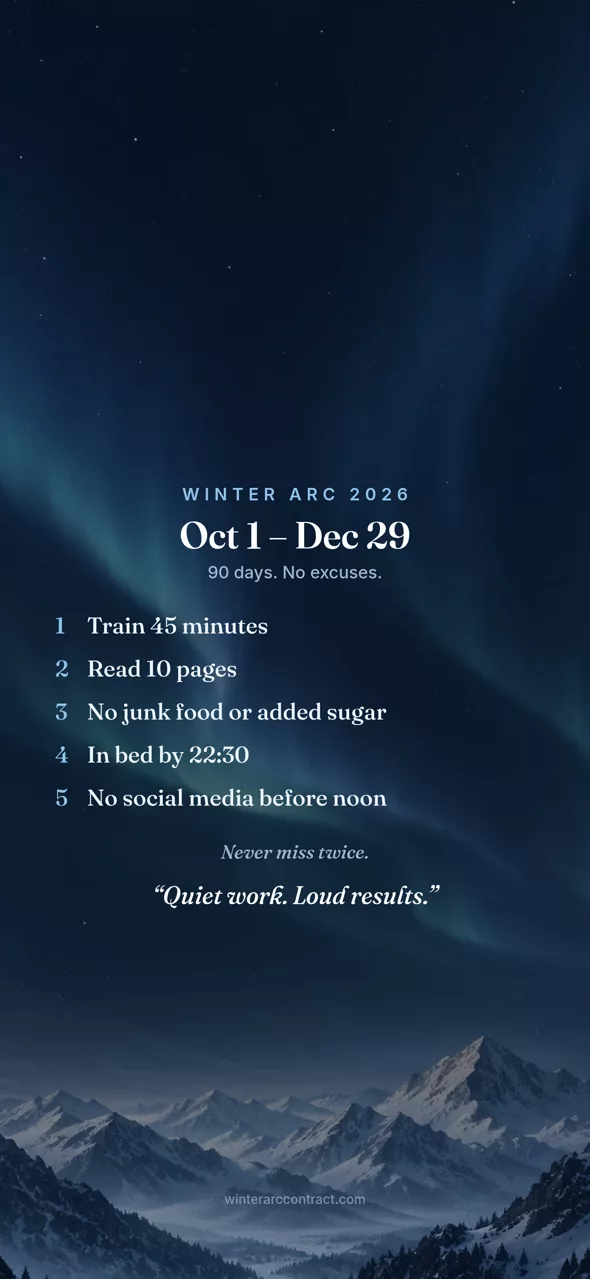
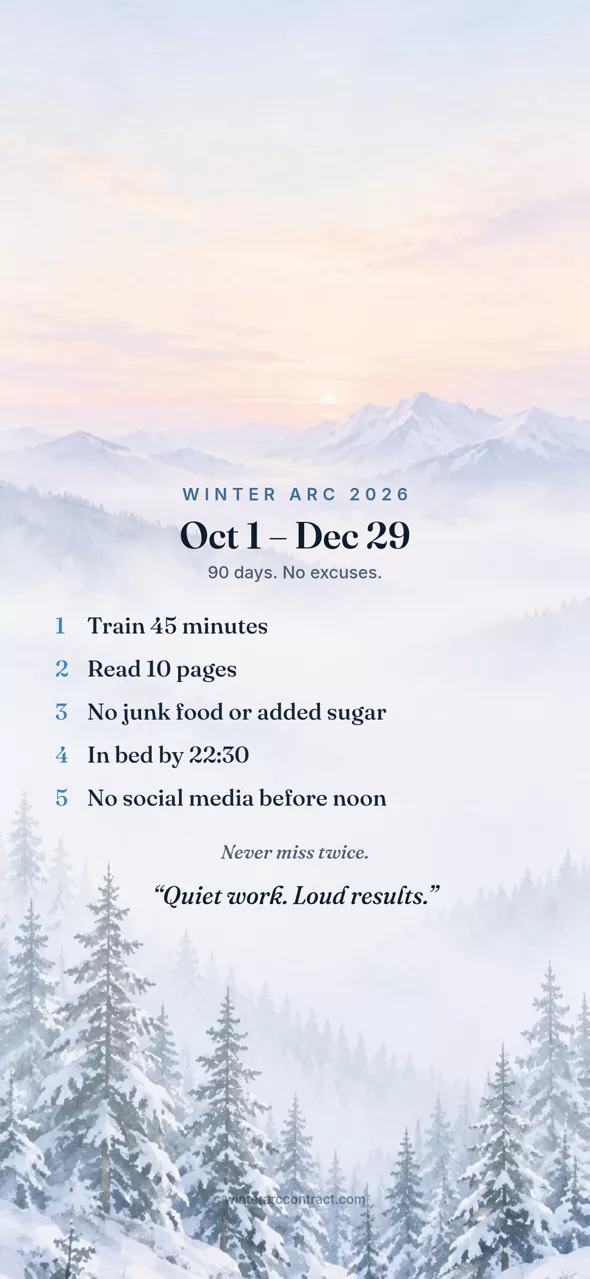
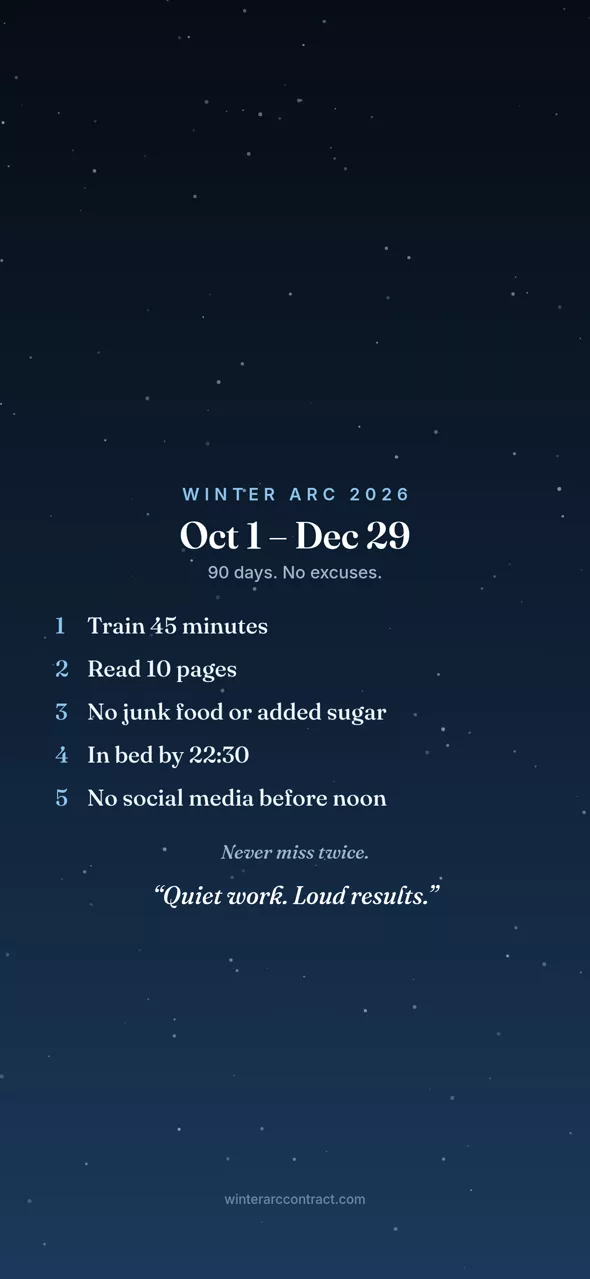
Each wallpaper uses the same layout: dates at the top of the text block, your numbered rules, then your motto. Only the background changes.
Free, no sign-up. Your rules stay in your browser.
How the generator makes it
- Pick your rules. Tap suggestions or write your own. Up to seven rules fit on the wallpaper; for more ideas, browse the Winter Arc rule ideas.
- Set your dates. Choose October 1 or today, then a length of 60, 75, 90 or 120 days. The start and end dates are printed on the image.
- Add a motto. Optional, and it goes under your rules in italics.
- Choose a style. Aurora, Dawn or Minimal, under "Wallpaper style" next to the preview.
- Tap "Lock-screen wallpaper". The image is drawn in your browser and saved as a 1179 by 2556 pixel PNG, a tall size that suits modern phones. The top third is kept empty so the clock never covers your rules.
On most phones a share sheet opens. Choose Save Image (iPhone) or save to your photos or files (Android). On a computer, the PNG downloads to your usual downloads folder.
Set it as your lock screen
iPhone
- Open the Photos app and find the saved wallpaper.
- Tap the Share button, then scroll down and tap Use as Wallpaper.
- Check that the clock sits above your dates, then tap Add or Done and follow the prompts to set it for the lock screen.
Android
- Open your gallery or Google Photos and find the saved wallpaper.
- Tap the three-dot menu, then Use as or Set as wallpaper.
- Choose Lock screen (or both screens), adjust the crop, and confirm.
Menu names vary by phone maker and Android version. If you cannot find the option in your gallery, open Settings, search for "wallpaper", and pick the image from there.
Keep it current. If you change a rule halfway through, make a new wallpaper the same evening. A lock screen that shows the old plan quietly teaches you to ignore it.
Winter Arc wallpaper for PC, 4K and widescreen
To be straight about it: this generator makes phone wallpapers. The image is portrait and 1179 by 2556 pixels, which looks sharp on a phone but is not a 4K desktop image. You can still set it on a computer. On a wide monitor, pick a fit option that shows the whole image, and it will sit in the middle with bars at the sides. It looks best on a monitor turned vertically. For a desk, the printable contract may work better: print it from the generator and pin it next to your screen.
Ideas for what to put on it
- Rules with numbers. "Read 10 pages" beats "read more." You should be able to glance at a rule and know if it is done.
- Your hardest rule first. The first line gets read the most. Put the rule you are most likely to skip there.
- A miss policy. Leave "Never miss twice" on. It is the line that matters on the day after a bad day.
- A motto in your own words. Short and plain works best, such as "Quiet work. Loud results." or "Do it tired."
- Fewer lines, bigger text. Five rules read easily at a glance. Seven is the limit before it starts to feel like a to-do list.
Once the wallpaper is set, check off each day in the Winter Arc tracker. New to the idea? Start with what the Winter Arc is.
FAQ
Is the Winter Arc wallpaper free?
Yes. The generator is free, needs no account, and adds no watermark beyond a small site address at the bottom of the image. You can make as many versions as you like.
What size is the wallpaper?
It saves as a 1179 by 2556 pixel PNG, a tall portrait size that matches many current phones. On phones with a different shape, the system scales it and may trim a little from the edges, which the layout leaves room for.
Can I use it as a PC or desktop wallpaper?
You can, but it is a portrait image made for phones, so on a wide monitor it will be cropped or shown with bars at the sides. It works best on a phone or a monitor turned vertically.
Is my information uploaded anywhere?
No. The image is drawn in your browser from what you type. Your name, rules and motto stay on your device and are never sent to the server. The privacy policy explains the basic usage counts the site keeps.
Make your wallpaper
Write your rules, set your dates, pick a style, and save a lock screen you will see every time you reach for your phone. The same page also gives you a signed contract to print.